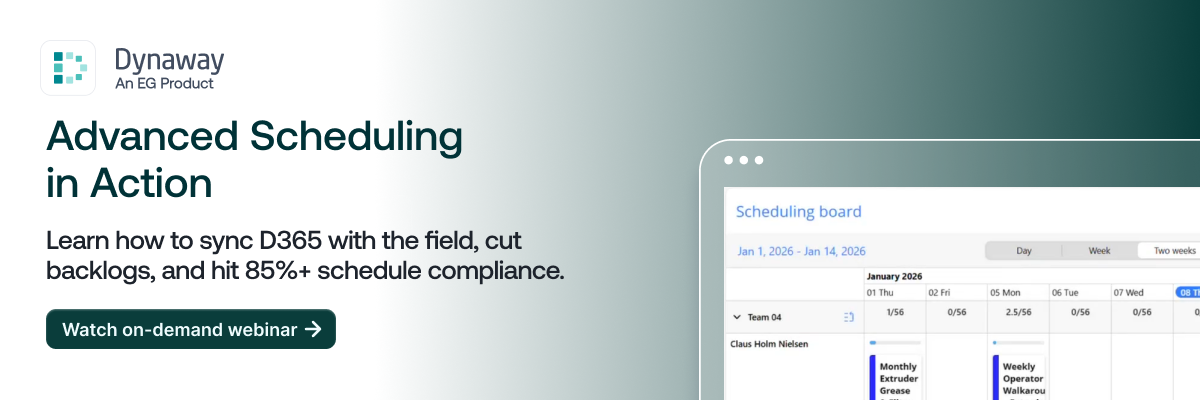
Effective Planning with the Scheduling Board
Plan, assign, and optimize work orders across your teams in one intuitive scheduling environment.
With Dynaway Scheduling Board
Plans turn into executable schedules
Move beyond static planning and create schedules that can actually be executed.
Capacity is clearly visible and action is taken early
Real-time visibility into workload and availability helps you balance work better.
Maintain control when plans change
Continuous rescheduling enables teams to adapt without losing structure.
Visual Capacity & Scheduling Board
A clear, real-time view of your teams and workloads:
- Real-time overview of teams, technicians, and capacity.
- Plan work across multiple time horizons.
- Manage availability with planning notes.
- Adjust schedules easily as conditions change.
Work Order Control
Work orders accessible and organized:
- Create and manage flexible work order lists.
- Filter and sort work orders by priority and criteria.
- Share views across teams.
- Keep planners focused and in control.
Schedule, Reschedule & Split Functions
Easily assign, adjust, and balance work:
- Schedule work with drag-and-drop.
- Reassign, split, or merge work orders.
- Balance workloads across teams.
- Quickly reschedule overdue or unscheduled work.
Mobile Module
Planning to the field with confidence:
- Bring schedules to the field.
- Configure access by role and permissions.
- Use visual status cues for clarity.
- Ensure technicians always see up-to-date plans.