
Your technicians already have the answers. Now they have them faster.
The notes were there. Now they mean something to you.
Maintenance teams are multilingual. However, work orders have not been. From now on, whatever language a note was written in for work order or maintenance request, the technician opening the work order reads it in their own.
A technician is assigned to a corrective work order. The previous shift documented the fault history and what was already attempted - in Spanish. Without translation, that context is effectively invisible: skipped, misread, or lost to a phone call asking someone to explain it.
With one tap, the work order notes appear in the technician's language. They read what happened, continue from where the previous shift left off, and add their own notes in the language they work in.
The next technician assigned to this work order will do the same.
The documentation does its job for everyone on the team.

Read work order notes in your own language
Notes recorded by any technician, in any language, are translated at the press of a button, so the full context of a work order is accessible to whoever opens it next.

Document in the language you work in
Technicians continue recording notes in their own language. The translation is for reading; the original note is always preserved and remains the editable version.
Technicians spend less time searching for context and more time on the work order. Maintenance documentation becomes an asset for the whole team. Included as a baseline feature.
Translation uses the language already configured in the user's application settings.
A single work order holds more than it shows. Now it shows all of it.
A single work order can hold days of activity e.g. notes from multiple technicians, checklist results, consumed items, hours posted, related work orders referenced. Finding the current status means opening every section. The AI summary reads it all and returns one coherent overview.
A technician is assigned to a corrective work order that has been open for three days. Two colleagues have already worked on it. Notes have been added at different points, checklist lines have been completed, and items have been consumed.
Before touching the equipment, they need to know what has already been done and what has not. Opening every tab and reading through every note field takes time they do not have at the start of a shift.
They click generate summary. In seconds they have a clear picture what was found, what was tried, which checklist lines failed, what has been consumed versus what was planned, and which related work orders are connected to this one.
They start work knowing exactly where things stand.

The current state of a work order
Asset criticality, open faults, checklist results, and hours and items consumed versus planned surfaced in one summary without navigating between sections to find them.

What was planned versus what was done
The summary shows forecasted versus consumed quantities (hours, items, and expenses recorded) so you can see at a glance whether the work order ran as expected.

Identify open issues before closing
Before closing a work order, the summary surfaces anything incomplete e.g. failed checklist lines, open faults, or hours still unaccounted for.

Hand over a work order without the re-read
When a work order changes hands between shifts or technicians, the summary gives the incoming person the full picture immediately without asking the previous technician what happened.
Less time piecing together what happened on a work order. More time acting on it: whether that means handing it over, closing it, or deciding what comes next.
This feature appears as "Copilot summarization" in Feature Management. However, it does not Microsoft Copilot.
Step-by-step guidance from your own asset documentation
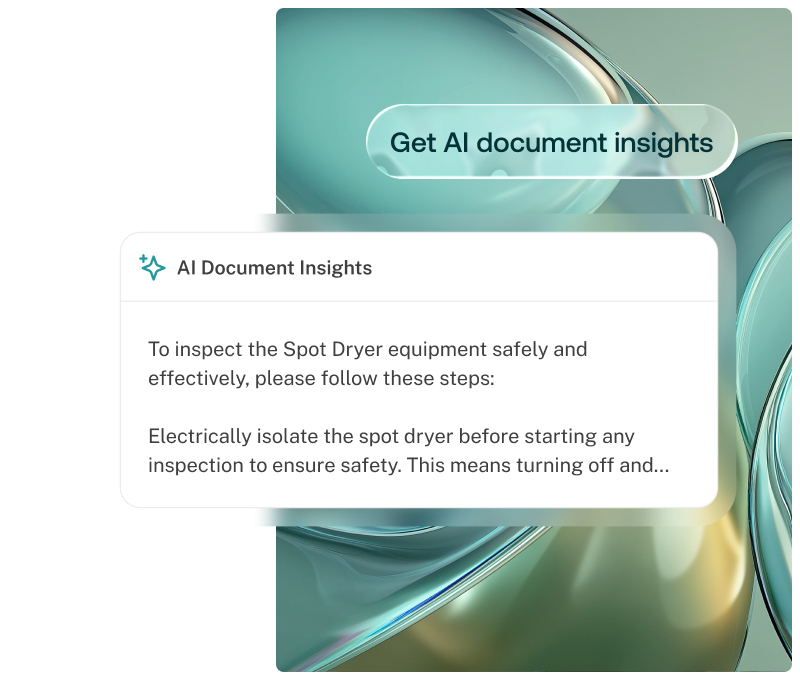
When a corrective work order is created, AI troubleshoot surfaces relevant troubleshooting steps from the asset's technical manuals directly inside the work order, without manual searching.
A technician is assigned to a corrective work order for a compressor. The fault has been described. Normally the next step is finding the right manual, searching through it, and hoping the description matches what they are seeing on the equipment.
Instead, when the work order moves to active status, AI troubleshoot will read the asset's uploaded service manual and surfaced the relevant diagnostic steps.
The knowledge was always in the documentation. AI Troubleshoot helps it to surface.
Guidance waiting before the work begins
When a work order reaches the right stage, the relevant documentation has already been read and the guidance is ready. The technician opens the work order and starts informed.

Grounded in your own documentation
Guidance is generated from the asset's own uploaded manuals. The AI reads your documentation and surfaces what is relevant to the fault being worked.

Support with the relevant guidance
Less experienced technicians get the same starting point as senior colleagues which reduces diagnostic time and reliance on individual knowledge.

Warranty and safety supported
Technicians follow documented guidance from the asset’s original manuals, decreasing the risk of performing maintenance that could void warranties or compromise safety.
Faster diagnosis on corrective faults, less dependency on senior technicians, and maintenance performed in line with the asset’s own documentation.