Plan the period. Schedule the person.

Plan, schedule & draft work orders in D365
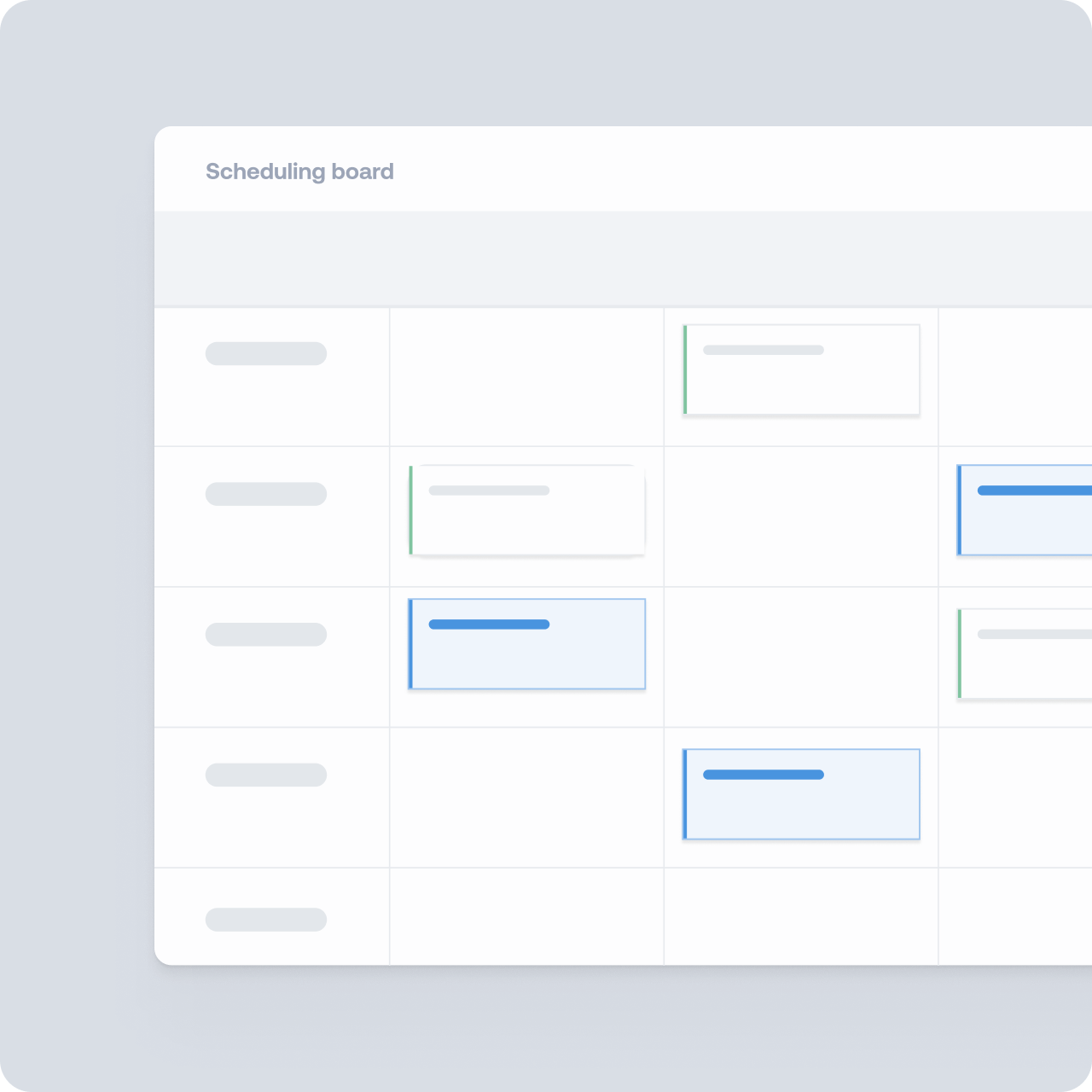
Scheduling Board
Assign work orders to specific resources and exact time slots, week by week.

Scheduling Agent
Prepare the first resource-scheduling draft in the Scheduling Board.

Work Order Planner
Shape long-term work order plans in a Gantt Chart before assigning resources.
Two planning horizons. Two different decisions.
The Dynaway Work Order Planner / Gantt Chart supports long-term planning of work orders before they are assigned to individual technicians. Planners can create tailored graphical views of upcoming work, move and resize unscheduled activities to update their Expected Start and Expected End dates, and save or share views based on responsible groups, work order pools, STOs, or other planning needs.
| Work Order Planner / Gantt Chart | Scheduling Board |
| Long-term planning | Short-term scheduling |
| Typically 6–8 weeks ahead | Typically 1–2 weeks ahead |
| Expected Start and Expected End | Scheduled Start and Scheduled End |
| What work and within which period? | Exactly when and by which technician? |
| Complete work between 1 and 20 May | Peter completes it on 6 May |
AI-assisted scheduling drafts on the Scheduling Board
From selected work to an approved plan
The Dynaway Scheduling Agent turns selected maintenance work into a reviewable scheduling draft on the Scheduling Board.
It helps planners reduce repetitive scheduling, while their knowledge, judgment and approval stay at the center of the process.

Why use the Scheduling Agent?
A faster starting point
Generate a first draft across the selected work and workers instead of placing every work order manually.

Planner knowledge included
Add practical constraints and information that may not be formally available in the system.

Visible & editable
Review the proposed schedule on the board, adjust where needed and retain final approval.

Capacity & travel in mind
Keep capacity free for unplanned work and group nearby jobs to cut unnecessary travel.
How it works
Start with a useful draft
Move from placing every work order manually to reviewing a proposed assignment and sequence.
Add the knowledge behind the plan
Give the agent instructions conversationally, including practical constraints and information that may not be maintained in the system.
Review, edit and approve
Work with the proposal as a normal Scheduling Board draft. Adjust where needed while retaining judgment, control and final approval.
Frequently Asked Questions
Does Dynaway Scheduling Board work with Dynamics 365 Supply Chain Management?
Yes. Dynaway Work Order Planner / Gantt Chart, Scheduling Board and Scheduling Agent are add-ons for Microsoft Asset Management in Dynamics 365 Supply Chain Management. They extend the Asset Management module, so work orders, assets and approved schedules stay in Dynamics 365 and no separate maintenance system is needed.
How much do Dynaway maintenance planning add-ons cost?
Dynaway add-ons for Microsoft Asset Management are subscription-based and billed monthly. Modules are priced per month, and some also require additional user seats, so the total depends on the modules and the number of users. Dynaway offers a price calculator, or reach out to us for a tailored quote.
Is the Dynaway Scheduling Agent included when I buy the Scheduling Board?
No. The Dynaway Scheduling Agent is an additional add-on, not included with the Scheduling Board by default. You can start with the Scheduling Board and add the Scheduling Agent later.
See how Dynaway helps you plan and schedule maintenance
Tell us which topics matter most, and we'll build the demo around them. Whether you already use Microsoft Asset Management or are planning to, we'll show you how Dynaway supports your maintenance work from long-term planning and scheduling to field execution, strategy and insights.