Browser
Built to simplify contractor management

Contractors report on the work order. Planners see it in BC.

Dynaway Contractor Portal now available in beta

Invite an external contractor with a one-time code. From a simple portal with their own login, they acknowledge orders, update status, describe the work performed and attach photos. Everything lands on the work order, with no retyping.
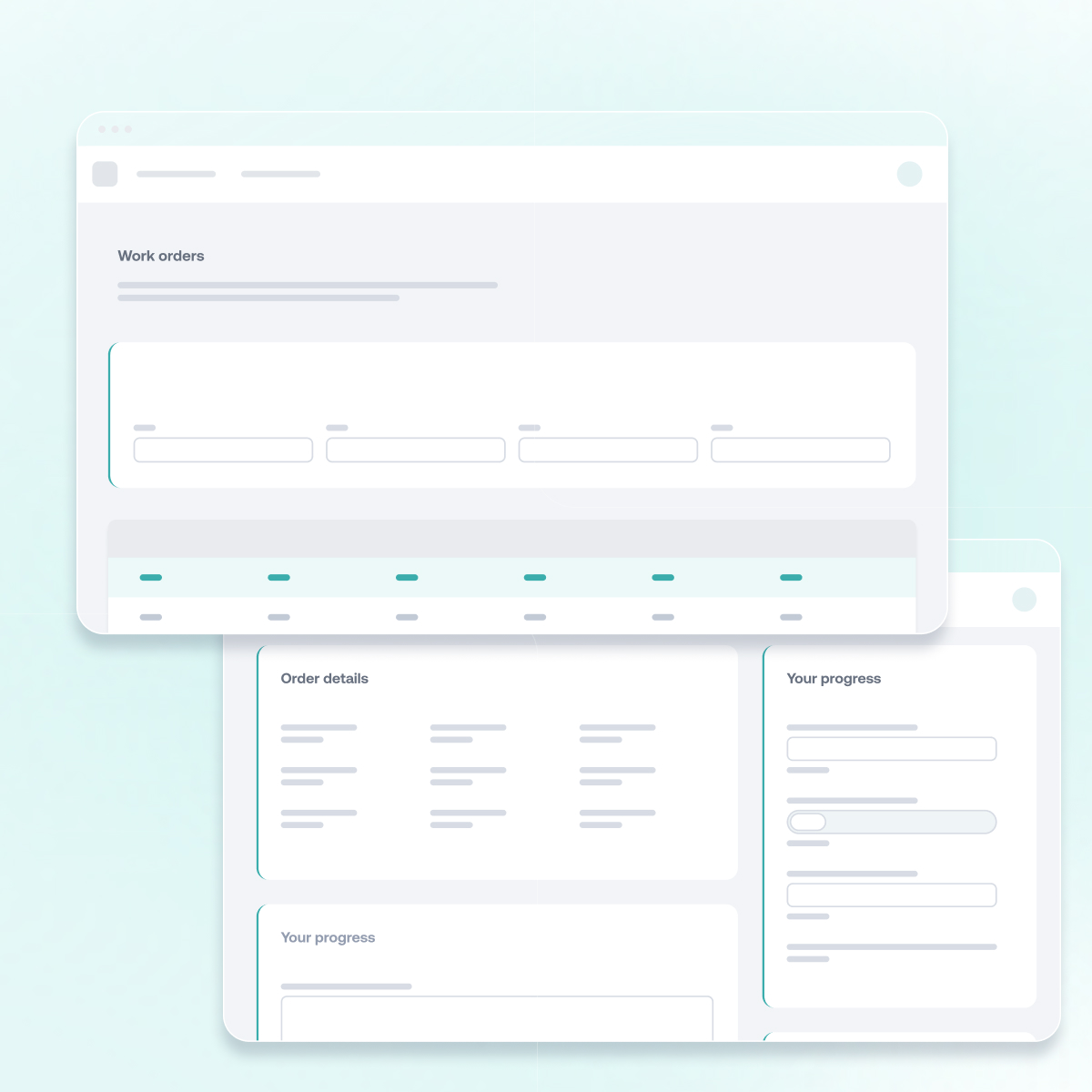
Contractor Portal for Dynaway EAM inside Business Central
Dynaway Contractor portal

Contractor updates, straight onto the work order

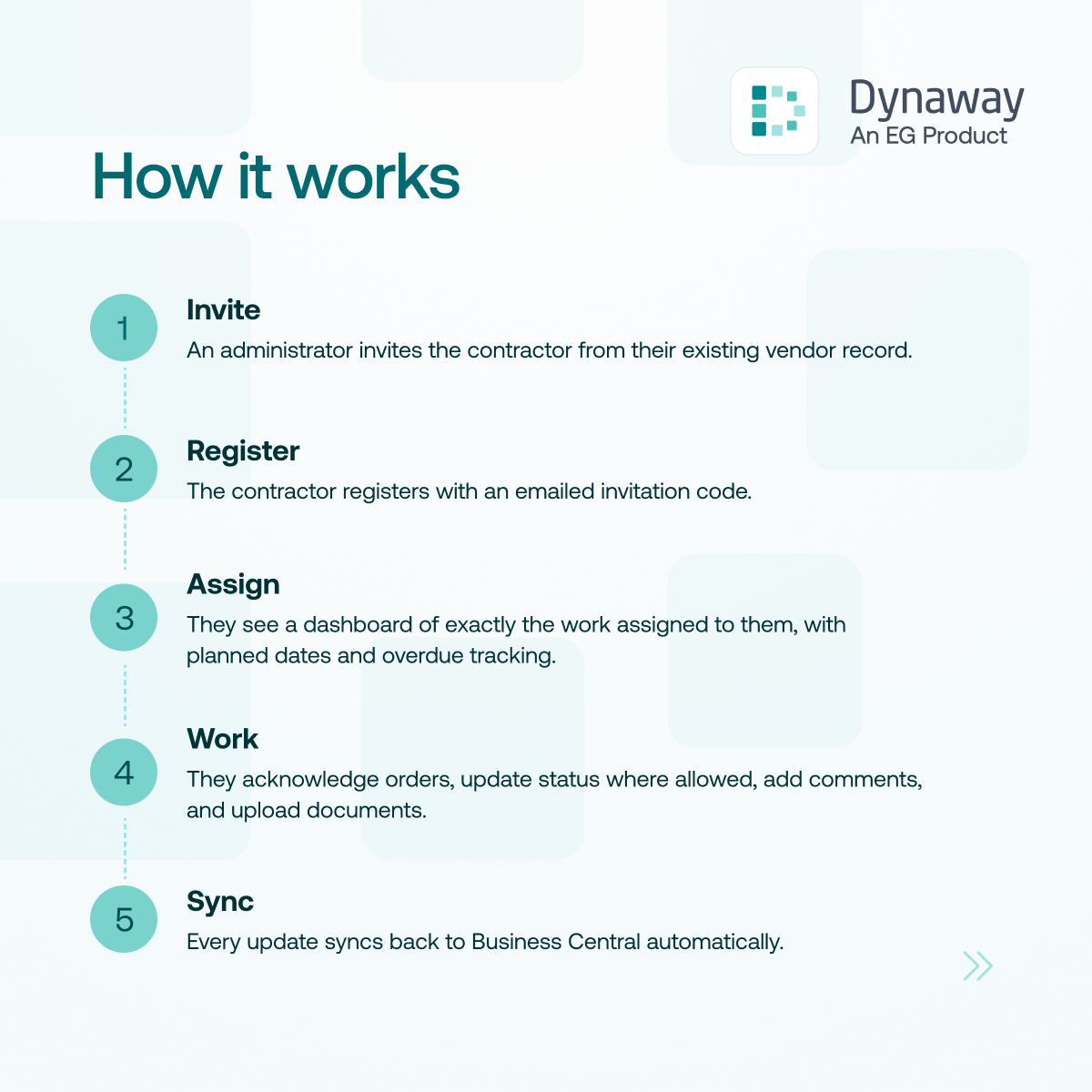
From invitation to updated work order

Dynaway Contractor Portal is a self-service portal for external contractors working in Dynaway EAM for Microsoft Dynamics 365 Business Central.

Contractors use a simple site to acknowledge the work orders assigned to their company, update status, describe the work performed and add comments and photos.

Every change is written to the work order in Business Central, so planners work from one record instead of email threads.
Read the full setup guide in the Dynaway Help Centre
Dynaway Contractor Portal for Dynaway EAM

Why use the Contractor Portal?

Lightning

No retyping

Status, work performed, comments and documents reach the work order as the contractor enters them.

Lightbulb

Simple for contractors

A clean site built around the work order, with their own login through Microsoft Entra ID or a portal account.

Note Pencil

You set the limits

Choose which statuses contractors can use. Expense lines are shown read-only.

Path

Always current

Tiles show open, overdue and awaiting orders, with planned dates.

Dynaway Contractor Portal

Give contractors a simple way to work on WOs

01

Invite from BC

Send a one-time invitation code from the contact card. The contractor creates their own login in the contractor portal.

02

Accessing the assigned work

A dashboard shows open, overdue and awaiting-acknowledgement of assigned work orders.

03

Update the work order

Acknowledge orders, change status, describe the work performed and attach photos.

Demo

See the Contractor Portal in action

Watch the demo to follow one work order from invitation to update, in under seven minutes.


FAQ

Frequently Asked Questions

  • How can you manage external contractors in Business Central?

    With Dynaway Contractor Portal, an administrator invites each contractor with a one-time code, and the contractor gets a self-service site showing the work orders assigned to their company. Contractors acknowledge orders, update status, describe the work performed and add comments and photos. Administrators choose which statuses contractors can use.

  • What does Dynaway Contractor Portal require to run?

    Dynaway Contractor Portal requires Dynaway EAM for Microsoft Dynamics 365 Business Central. Setup also needs access to Power Platform Admin Center, Power Apps and Power Pages. It supports both the Essential and Premium editions of Business Central. Read the Contractor Portal setup guide for the full requirements and installation steps.

  • Does Dynaway Contractor Portal update Business Central automatically?

    Yes. Dynaway Contractor Portal writes every contractor update to Business Central straight away through a live, two-way connection to your existing work order records. Acknowledgements, status updates, comments and uploaded documents appear on the work order without anyone retyping them.

Dynaway EG Product Logo

Get started with Contractor Portal

Dynaway Contractor Portal is now available in beta on Microsoft Marketplace.

*Requires Dynaway EAM for Microsoft Dynamics 365 Business Central.

Access on Microsoft Marketplace