
Built to simplify contractor management
Contractors report on the work order. Planners see it in BC.
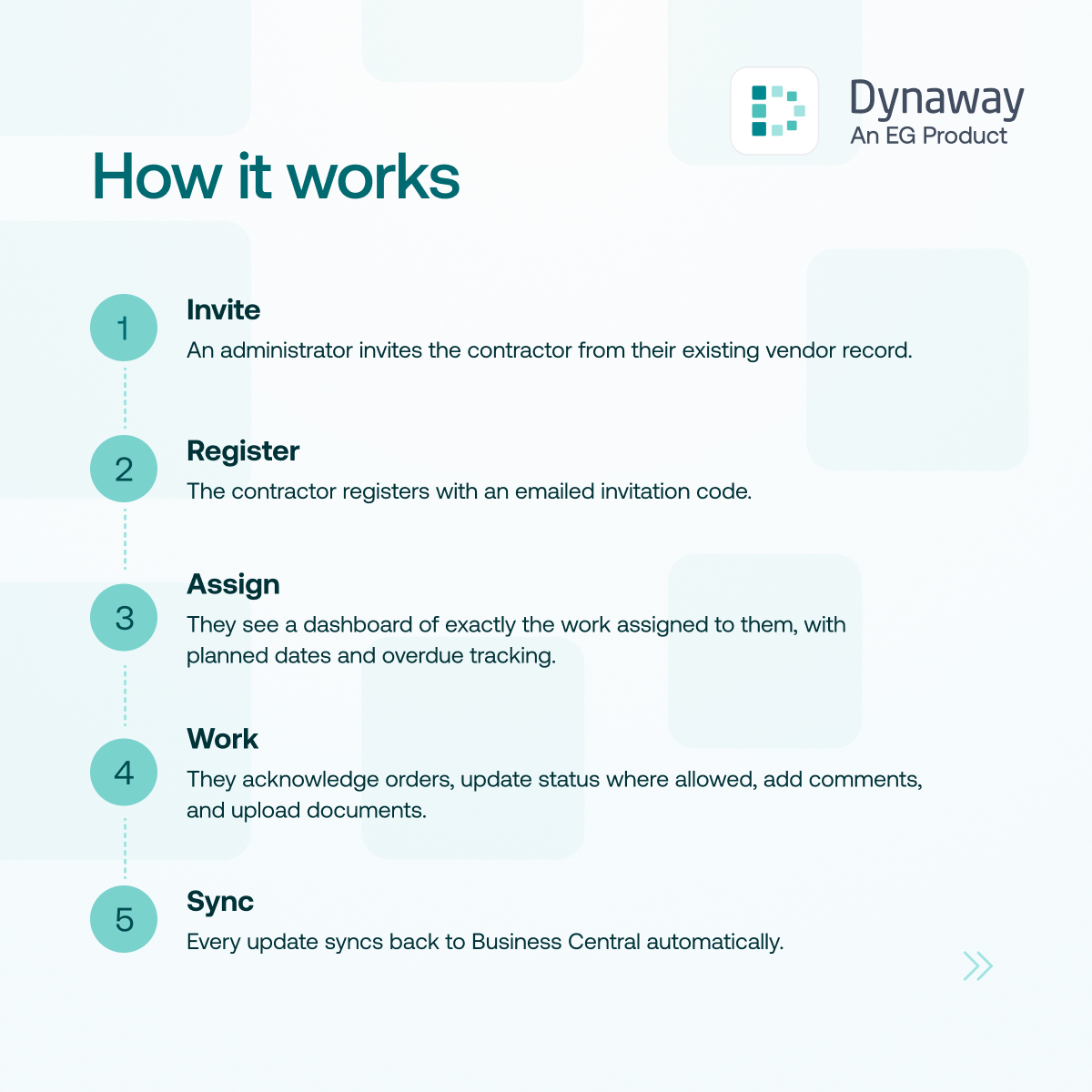
Invite an external contractor with a one-time code. From a simple portal with their own login, they acknowledge orders, update status, describe the work performed and attach photos. Everything lands on the work order, with no retyping.
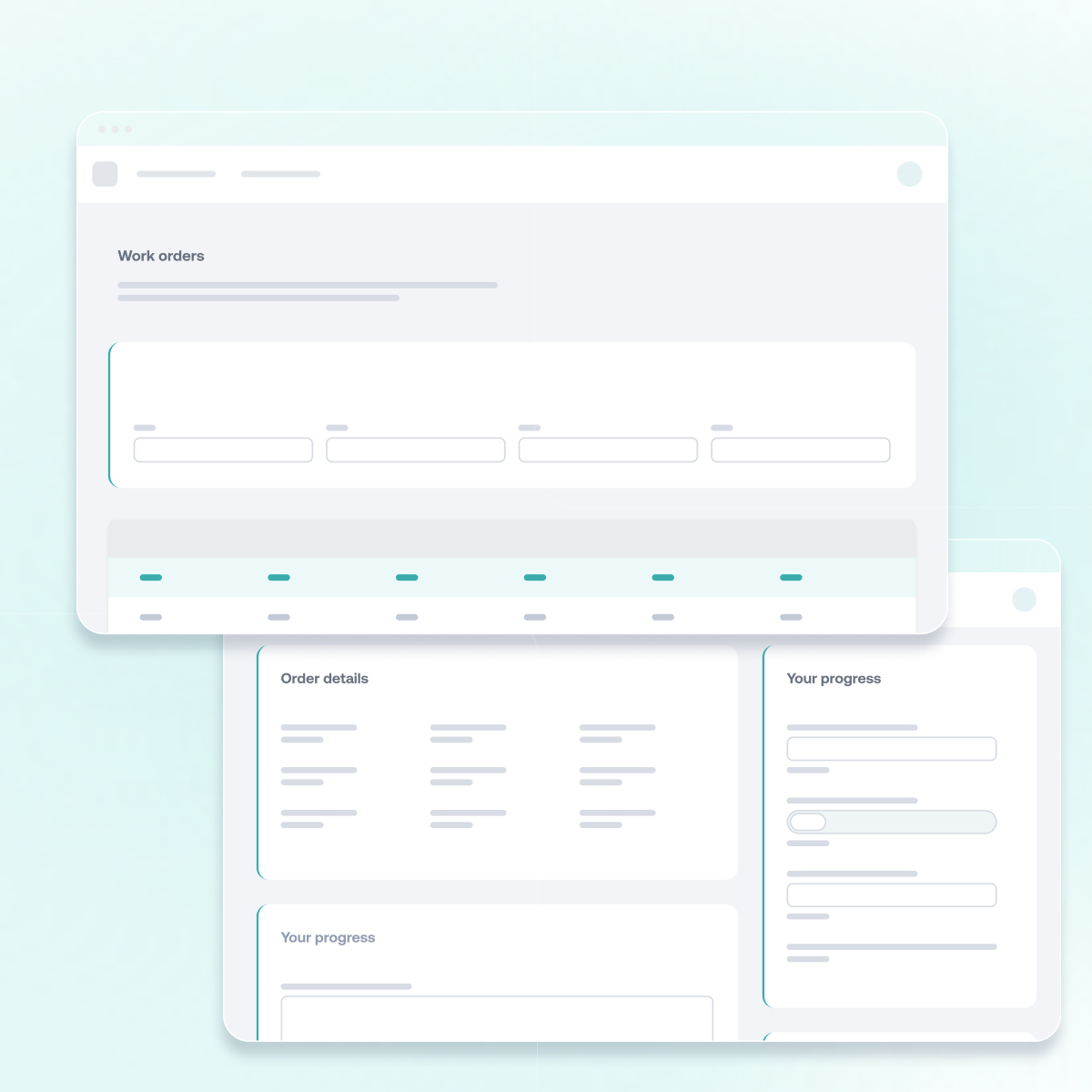
Dynaway Contractor portal
Contractor updates, straight onto the work order
From invitation to updated work order
Dynaway Contractor Portal gives external contractors a simple site for the work orders assigned to their company. They acknowledge orders, update status, describe the work performed and add comments and photos.
Every change is written to the work order in Business Central, so planners work from one record instead of email threads.
Why use the Contractor Portal?

No retyping
Status, work performed, comments and documents reach the work order as the contractor enters them.

Simple for contractors
A clean site built around the work order, with their own login through Microsoft Entra ID or a portal account.

You set the limits
Choose which statuses contractors can use. Expense lines are shown read-only.

Always current
Tiles show open, overdue and awaiting orders, with planned dates.