Smarter Contractor Management in D365
Dynaway Contractor Management provides a structured way to manage
external contractors directly on the work order.
Timestamps
00:00 – 01:56 | Welcome, Agenda, and Speaker Introduction
01:56 – 03:03 | Why External Contractors Are Needed
03:03 – 05:12 | Current Contractor Management Workarounds
05:12 – 06:39 | Contractor Management Module Overview
06:39 – 08:02 | Contractor Setup and Contact Persons
08:02 – 09:30 | Assigning Contractors to Work Orders
09:30 – 10:37 | Tracking Contractor Work and Progress
10:37 – 11:09 | Purchase Order Vendor Alignment
11:09 – 12:34 | Mobile User Role for Contractors
12:34 – 15:41 | Contractor AI Agent Preview
15:41 – 17:28 | Dynamics Contractor List Demo
17:28 – 19:28 | Manual Contractor Assignment Demo
19:28 – 22:27 | Automatic Contractor Assignment Setup
22:27 – 24:54 | Contact Details and Purchase Orders
24:54 – 28:01 | Contractor Visibility and Mobile Configuration
28:01 – 30:58 | Q&A and Contractor Management Pricing
30:58 – 33:43 | DynaWay Academy Training Options
33:43 – 35:23 | Upcoming Webinars and Resources
35:23 – 35:33 | Closing Remarks and Thanks
Contractor AI Agent
Automated contractor collaboration. No contractor login, no manual follow-up, full work order visibility.
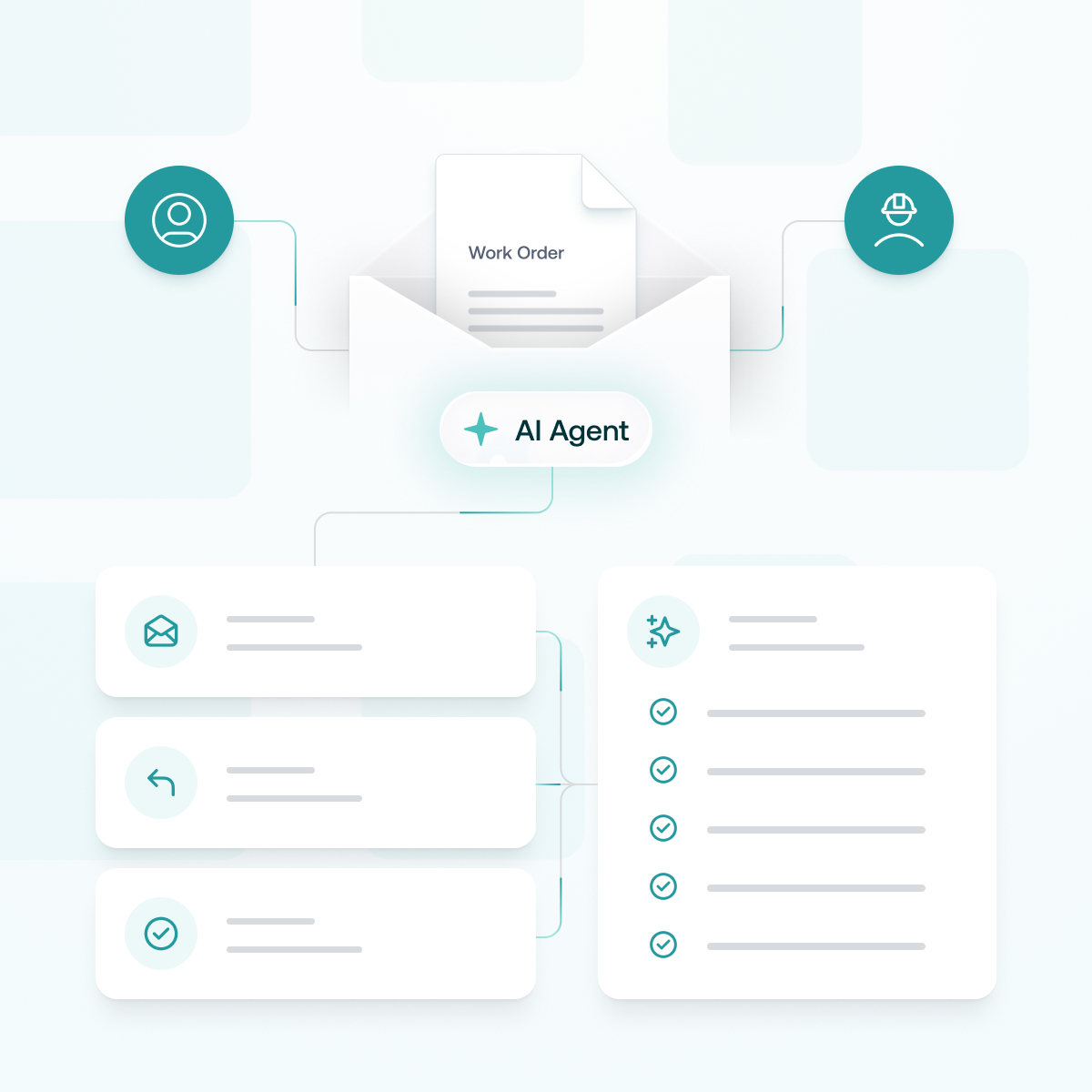
The Contractor AI Agent automates communication between Dynaway Asset Management and external contractors, turning email replies into validated work order updates without requiring contractor system access.
The result is structured, traceable contractor collaboration without requiring contractors to log in to Dynaway or Dynamics 365. Planners spend less time chasing confirmations, copying updates, and managing manual follow-up and more time focusing on the work that requires human judgement.